Proposal: UI for Long-Lived App-Wide Status Messages #913


Description

Proposal: UI for Long-Lived App-Wide Status Messages
Summary
Add new UI for long-lived app-wide status messages for scenarios such as updates available or errors that may occur which prevent the user from experiencing an app or its features working as intended.
Rationale
- Users should be informed about status changes that occur on an app level (Teaching tips are specifically built for informing users of nonessential options that would improve their experience – there should be a overarching UWP UI element to inform users about essential changes too.)
Scope
| Capability | Priority |
|---|---|
| Notification will not block user from effectively continuing to interact with the app while the notification is active. | Must |
| Will make users aware of critical & non-critical messages about app-wide status. | Must |
| Supports custom content and style. | Must |
| Status message able to automatically and programmatically dismissed when status is no longer relevant. | Must |
| Status message can be dismissed by user. | Should |
| If there are multiple status messages, the app should decide how to stack the messages. | Should |
| Responsive to app resize and UI changes. | Should |
| Will act as a system notification. | Won't |
Scenarios
Critical Scenarios:
- Internet connection lost while sending a message in a messaging app (@sapallie)
- No microphone connected when trying to record something (@sapallie)
- Server that's essential for the app working properly is down (@sapallie)
Non-critical Scenarios:
- Update available.
- Back-up complete.
Design mockups:
Status Card
They are similar to Teaching tips but should be used for prompting users about errors or important status changes.

Status Bar
In-app-UI banner similar to what is currently in use by M365:

Your Phone App error message:

VS Designer banner showing 2 separate links:
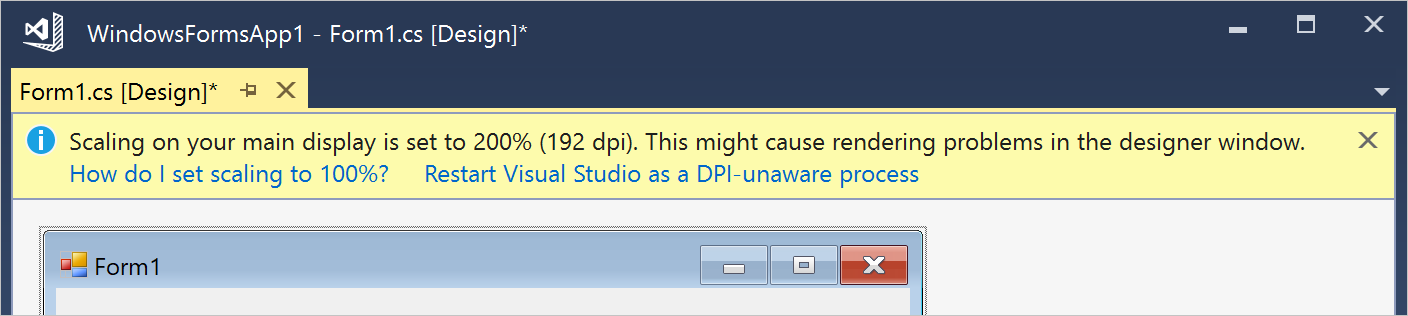
"Recording started" message in Teams:

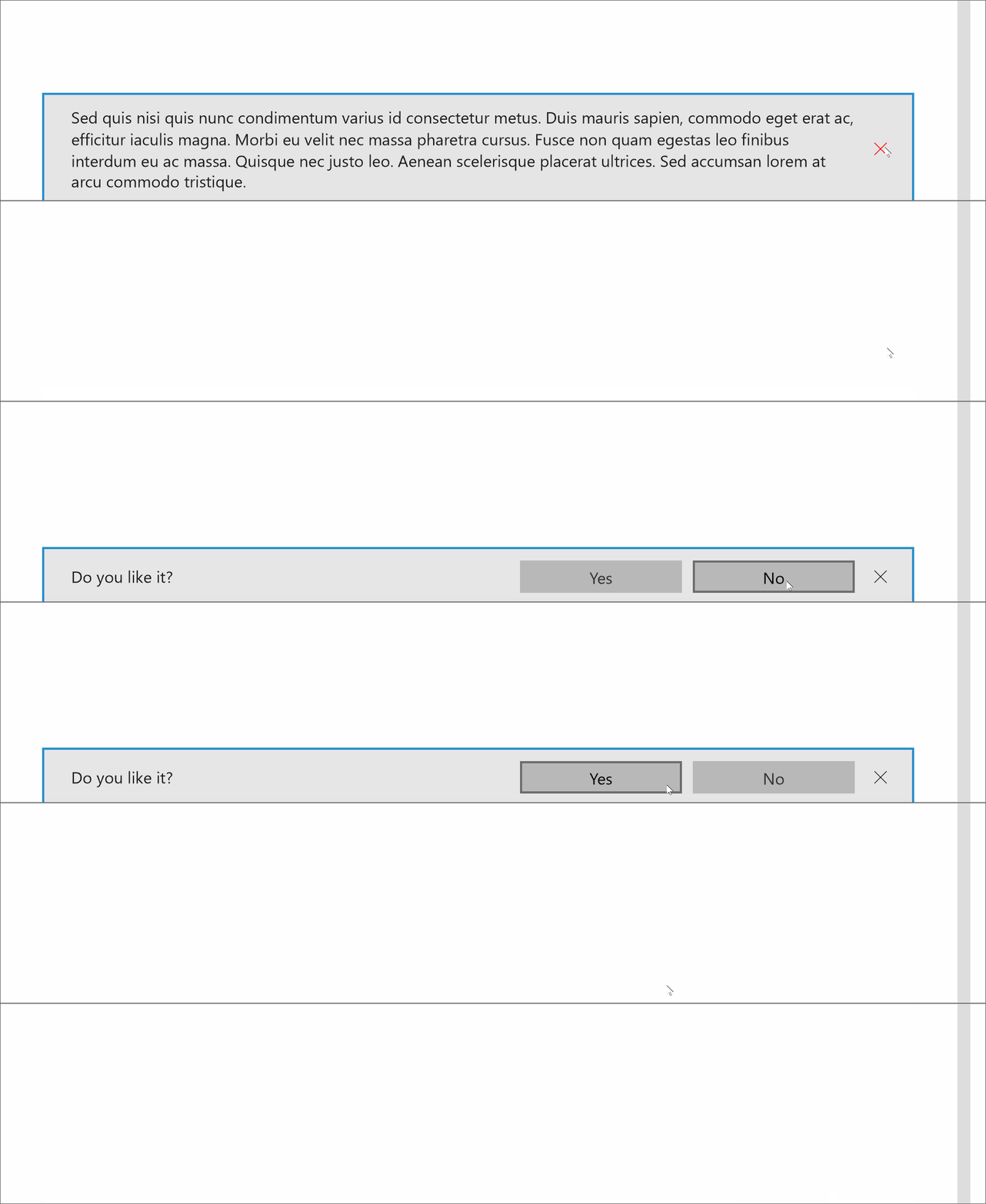
InAppNotification
Port from Windows Community Toolkit to appear from the edge of the app window as an overlay UI control.
Open Questions
Scenarios/Requirements for this UI:
- App title
- Scenario description (status message, critical/non-critical, and description of how you would like to present it)
- Screen shot of app screen where error would present (if available)