[M3/Top App Bar] Top app bar continues to display drop shadow when elevated #2552


Description

Description: The top app bar continues to cast a drop shadow when using the Material3, against what the design guidelines say.
Expected behavior: The intended behavior should be for the top app bar not to cast a shadow, as the Material Design 3 guidelines state.
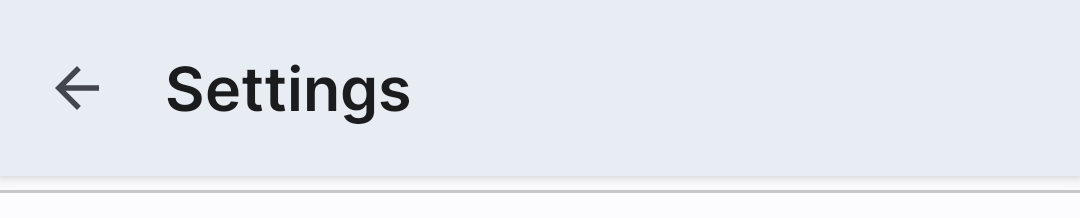
This is how the top app bar should look [note the lack of drop shadow]:

This is how the top app bar [with AppBarLayout] looks in my app right now [note the drop shadow but pastel elevation]:
Source code: I generally use this setup when making a top app bar:
<androidx.coordinatorlayout.widget.CoordinatorLayout
    android:id="@+id/coordinator"
    android:layout_width="match_parent"
    android:layout_height="match_parent"
    android:background="?attr/colorSurface"
    android:orientation="vertical">

    <com.google.android.material.appbar.AppBarLayout
        android:id="@+id/appbar"
        android:layout_width="match_parent"
        android:layout_height="wrap_content"
        android:background="?attr/colorSurface"
        android:clickable="true"
        android:focusable="true"
        app:liftOnScroll="true">

        <com.google.android.material.appbar.MaterialToolbar
            android:id="@+id/toolbar"
            android:layout_width="match_parent"
            android:layout_height="wrap_content"
            app:navigationIcon="@drawable/ic_back"
            app:title="Title" />

    </com.google.android.material.appbar.AppBarLayout>

</androidx.coordinatorlayout.widget.CoordinatorLayout>
Android API version: API 32
Material Library version: 1.5.0 [tested with 1.6.0-alpha02 as well, same thing occurs]
Device: Pixel 5 running Android 12