Home
 Tweet Pure Links
Tweet Pure Links and say goodbye to the URL shorten system!
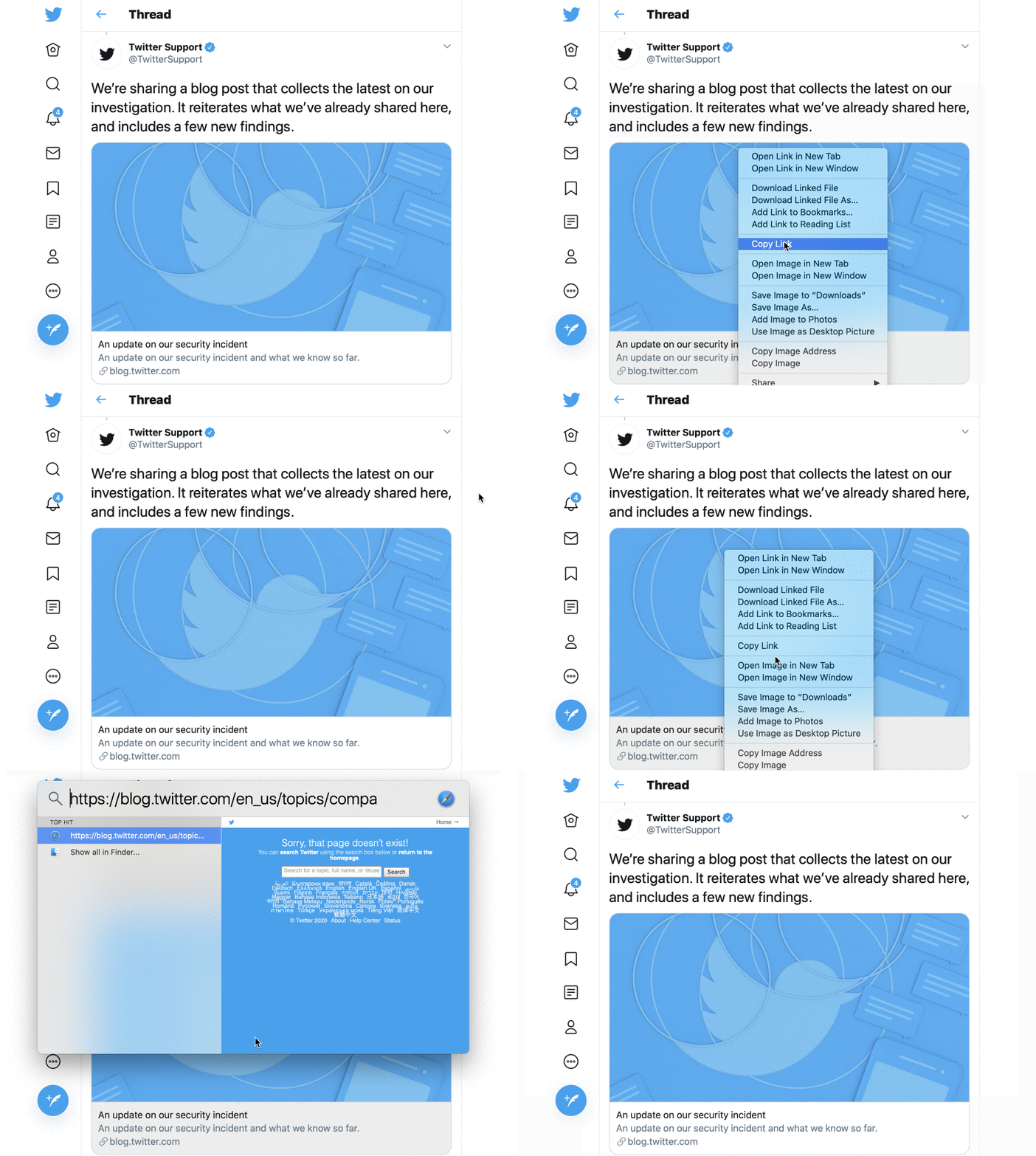
Table of contents:
Have you ever wanted to navigate thru your Twitter timeline without dealing with the Twitter URL shorten system? Now you can! Tweet Pure Links modifies the URLs on the fly and will target the original source.
Before:

After:

The default limitation of Twitter is when a link needs to be shared.
Real scenario
- Navigating through Twitter's timeline there's a Tweet regarding an interesting article
- You want to share it with your peeps
- Copy the link and go to your message app
- Past the link and whoa la, it's an awful link looking something like
http://t.co/Imp051b13T0R3ad
Usual workaround
- Open the link on the browser
- Wait a bit until the article loads
- Look at the browser URL bar to copy
- Back at the messaging app it can finally be pasted
By using Tweet Pure Links, the URL present on the initial Tweet would represent the final URL.
Sharing resources is easier than ever.
Tweet Pure Links comes in two ways. As a browser extension and as a User Script.
The simplest way would be installing it on your browser as an extension.
Take a look at the browser extension guide to see the supported browsers.
If you are familiar with the concept of User Scripts, and you are using them already, then it will be simpler for you to install it as such. Read the User Script guide to see how to install it.
It works for Twitter, TweetDeck and Mobile Twitter.