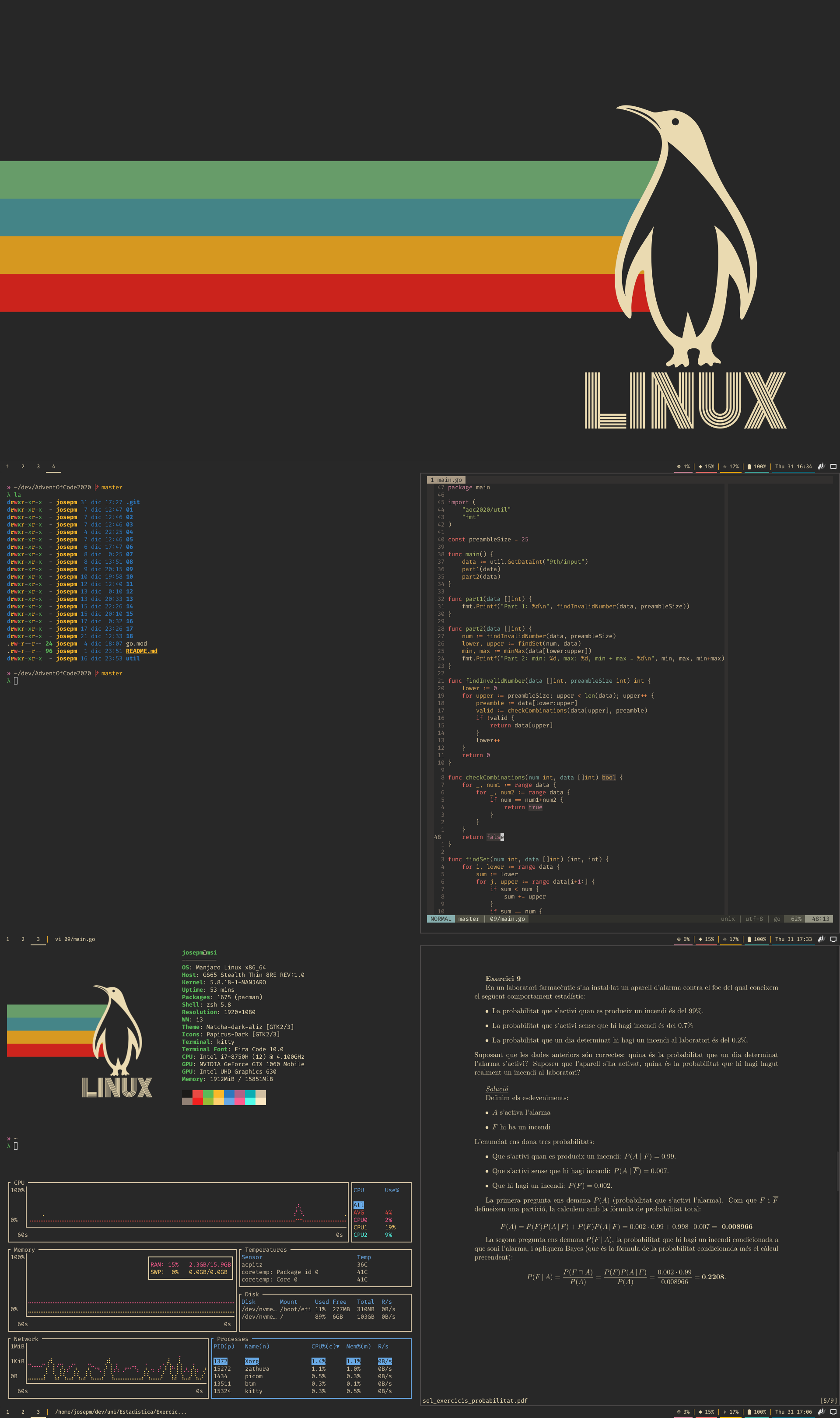
This dotfiles are based on Arch, but they will probably work on any Arch based distro, and most things on any distro.
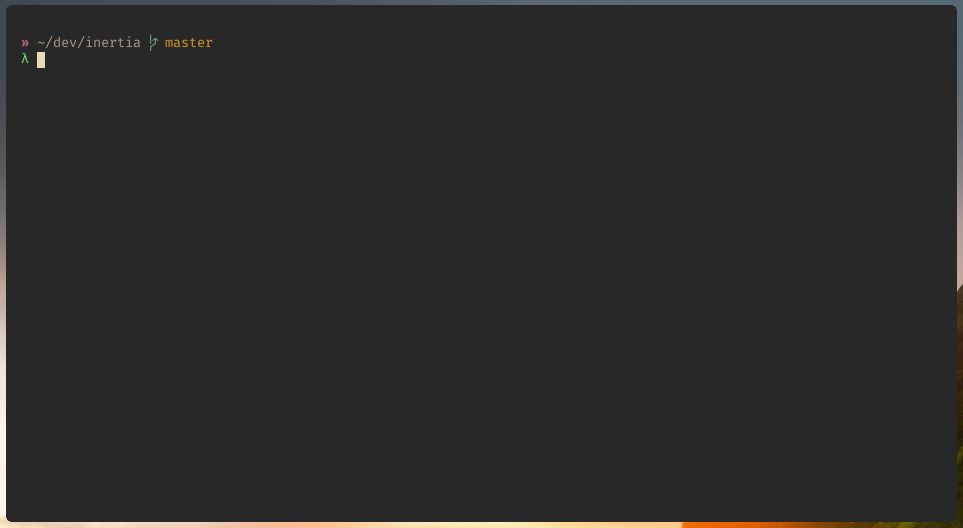
ZSH with the inertia theme
Clone the repo in your HOME directory:
git clone --bare https://github.com/josepmdc/dotfiles.git $HOME/.dotfilesDefine an alias so you can manage your dotfiles from any directory (NOTE: Notice this writes an alias to the .zshrc file, change it if you are using another shell):
echo "alias dotfiles='/usr/bin/git --git-dir=$HOME/.dotfiles/ --work-tree=$HOME'" >> $HOME/.zshrcCheckout the files in your HOME directory:
dotfiles checkoutcreate a git bare repo:
git init --bare $HOME/.dotfilesDefine an alias so you can manage your dotfiles from any directory (NOTE: Notice this writes an alias to the .zshrc file, change it if you are using another shell):
echo "alias dotfiles='/usr/bin/git --git-dir=$HOME/.dotfiles/ --work-tree=$HOME'" >> $HOME/.zshrcSet git config to hide untracked files
dotfiles config --local status.showUntrackedFiles noIf you want to add new file you can just use
dotfiles add <file path>and commit your changes with
dotfiles commit -m "Commit message"To install dependencies run the bootstrap.sh script
./bootstrap.sh