A powerful React-based Anki add-on that transforms your flashcards with advanced markdown rendering, interactive features, and modern web technologies for an enhanced study experience.
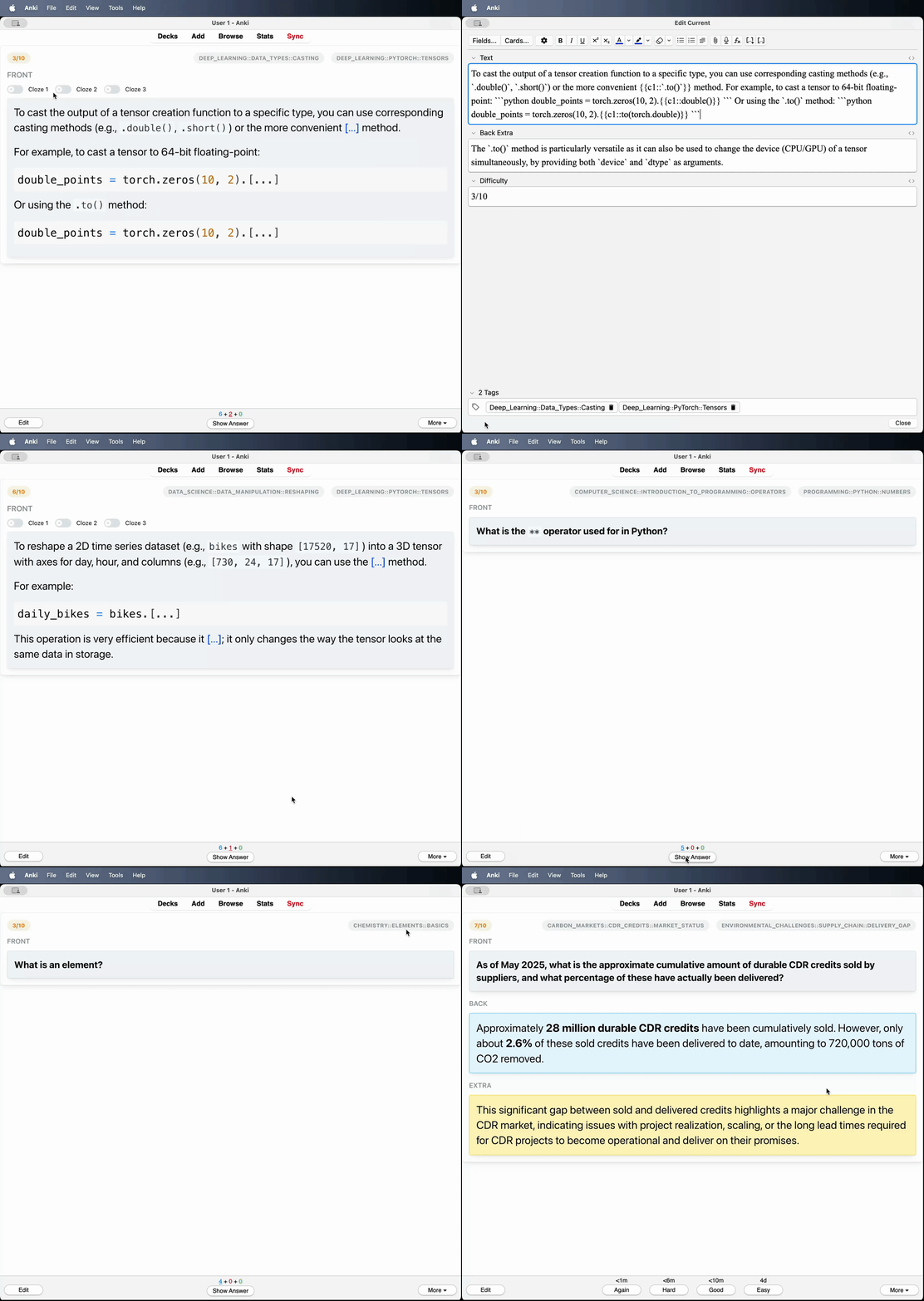
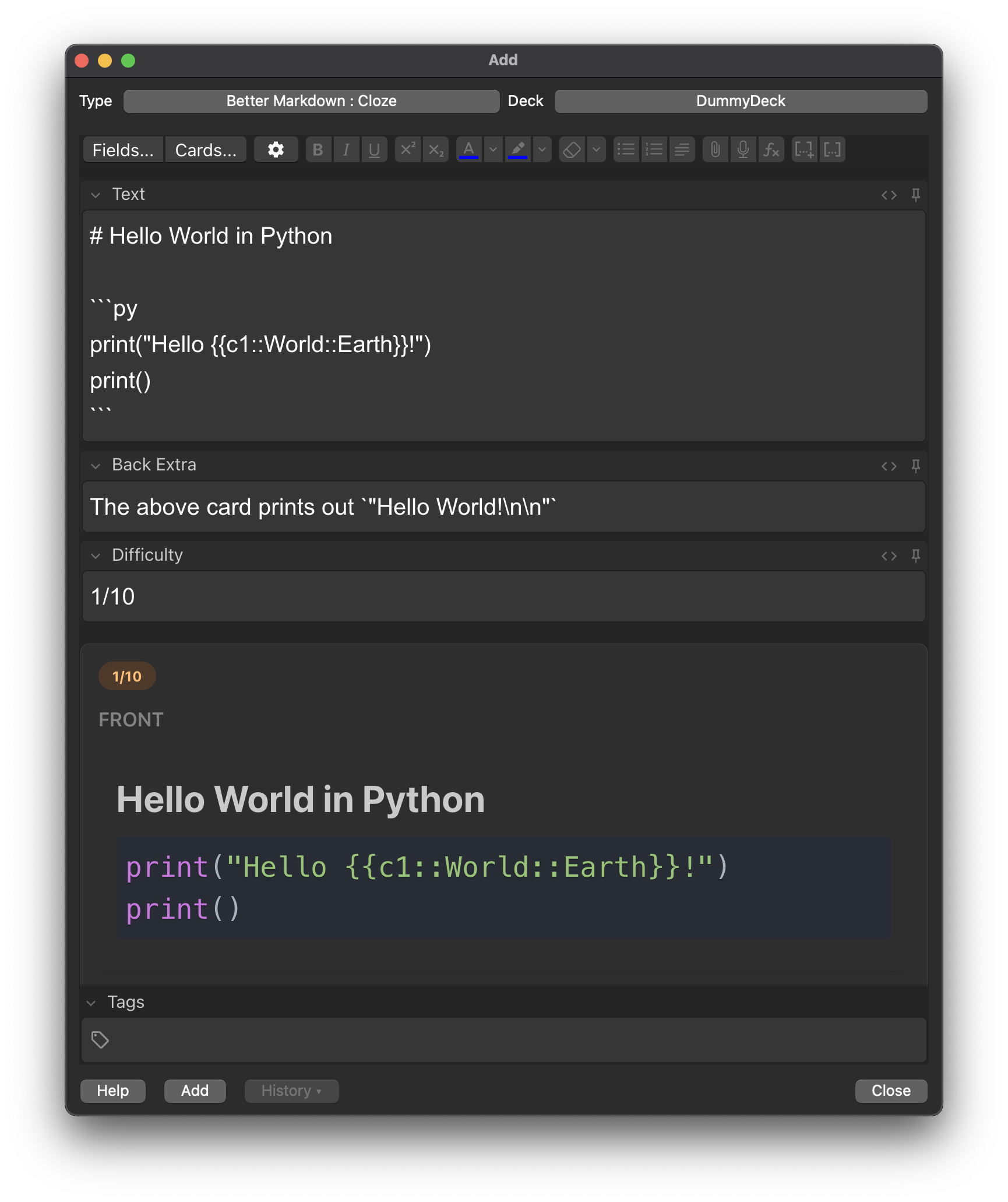
- Theme-aware design that automatically adapts to Anki's light/dark mode
- Color-coded card sections with distinct styling for front, back, and extra content
- Modern UI components built with React and Mantine UI library
- Full markdown rendering with proper formatting for headers, lists, tables, and more
- LaTeX math support using KaTeX for both inline (
$...$) and block ($$...$$) equations - Syntax highlighting for code blocks with language-specific coloring
- HTML entity decoding for proper character display
- Toggle switches for each cloze deletion to show/hide content dynamically
- Smart cloze processing that preserves formatting within code blocks and math expressions
- Visual indicators for active/inactive cloze states
- Tag display with styled badges for easy categorization
- Difficulty indicators to show card complexity at a glance
- Download the add-on from the Anki add-on repository or by downloading the
.apkg. - In Anki, go to Tools → Add-ons → Install from file...
- Select the downloaded file and restart Anki
- The add-on will automatically create the necessary note types on first launch
The add-on creates two specialized note types:
- Fields: Front, Back, Extra, Difficulty
- Use case: Traditional question-answer flashcards with markdown formatting
- Fields: Text, Back Extra, Difficulty
- Use case: Interactive cloze deletion cards with enhanced markdown support
- Create a new note using one of the "Better Markdown" note types
- Write your content using standard markdown syntax
- The add-on will automatically render your markdown with enhanced styling
- Math expressions can be written using LaTeX syntax
- Use toggle switches to interact with cloze deletions dynamically
- React 19 with modern hooks and functional components
- Mantine UI for consistent, accessible component design
- Vite for fast development and optimized builds
- TypeScript support for type safety
ReactMarkdownfor base markdown parsingremark-math+rehype-katexfor mathematical expressionsreact-syntax-highlighterfor code block formatting
- DOM mutation observation for real-time card updates
- Automatic theme detection from Anki's CSS classes
- Python backend integration with Anki's API
- Automatic template and field management with version control
# Install dependencies
npm install

# Start development server
npm run dev

# Build for production
npm run buildThe add-on includes automatic configuration management:
- Templates are updated automatically when the add-on loads
- Missing fields are added to existing note types
- Theme mode detection from Anki's CSS classes
- Content changes monitored through DOM mutation observation
Optimized for modern browsers with support for ES2020+ features, CSS custom properties, and DOM MutationObserver API.